Step 5: Prepare for Production and Launch
Expand the working baseline deliberately. Add the customer experience, commercial configuration, and operational controls that your launch requires, then repeat an end-to-end test for every deployment model you offer.
Production Readiness Checklist
- Product configuration: Expose only the API parameters customers need, with defaults and validation. Re-test each plan's supported configurations and dependency behavior.
- Customer experience: Configure the customer portal domain and branded email, identity providers, subscription approval, and access controls. Enable public production self-service only when that matches your intended audience.
- Infrastructure and operations: Validate networking, storage, compute or GPU placement, monitoring, alerts, backups, auditability, and operational ownership. Review the Infrastructure Guide, Runtime Guide, and Operations Guide.
- Security and governance: Apply the governance controls required for your product, including RBAC, audit logs, and appropriate cloud-account permissions.
- Commercial configuration: Configure pricing, entitlements, billing or metering integrations, and usage dimensions. Verify tenant and subscription attribution before sending billable usage.
Connect Marketplace Purchase to Deployment
If you sell through AWS, Google Cloud, or Microsoft marketplaces, configure the supported integration and test fulfillment as well as the listing.
Verify purchase or private-offer acceptance, customer identity, contract-to-subscription mapping, deployment, metering, and contract changes. Use the intended production environment and the subscription returned by the integration for customer account and instance creation; do not attribute every customer to a service user's subscription.
Follow the Marketplace Fulfillment Overview, Contract Lifecycle, and Sandbox Testing guides.
Launch the Offering
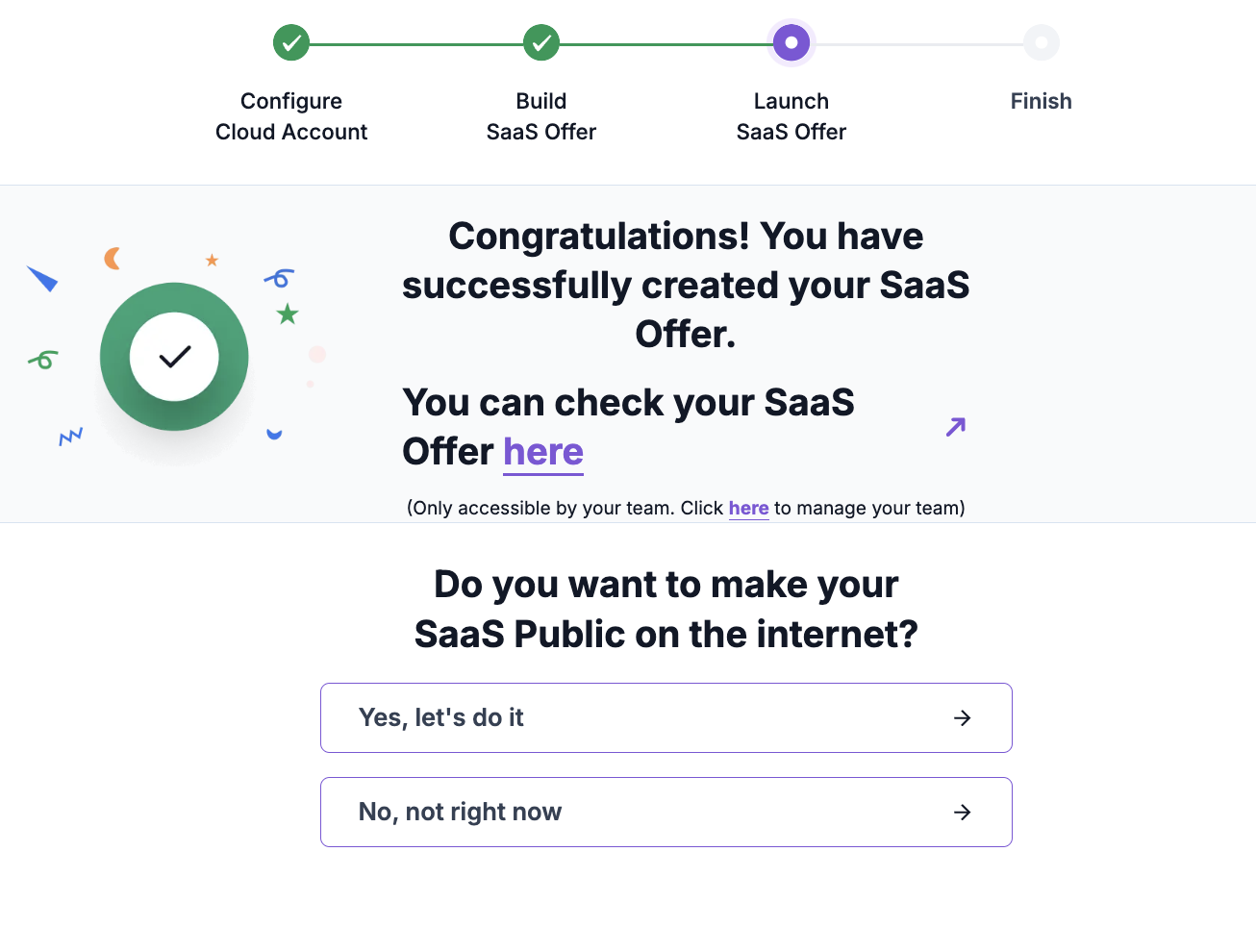
Publish a product page explaining the target customer, benefits, supported deployment models, responsibilities, and pricing. Offer a trial or free tier where it suits a product-led motion; use private offers and commitments where enterprise procurement requires them.
Coordinate announcements, technical content, and potential co-selling with your cloud partner team and Omnistrate. Keep production promotion and existing-customer upgrades aligned with the release process validated in Step 4.
Help and Essential Links
Use your shared Omnistrate Slack channel for onboarding questions. Bring the repository or chart reference, chosen deployment model, environment, and sanitized diagnostics. Book an onboarding session when architecture, permissions, or packaging needs a joint review.
Return to the Getting Started overview or continue with the Build Guide.